
What this YouTube MP3 downloader returns
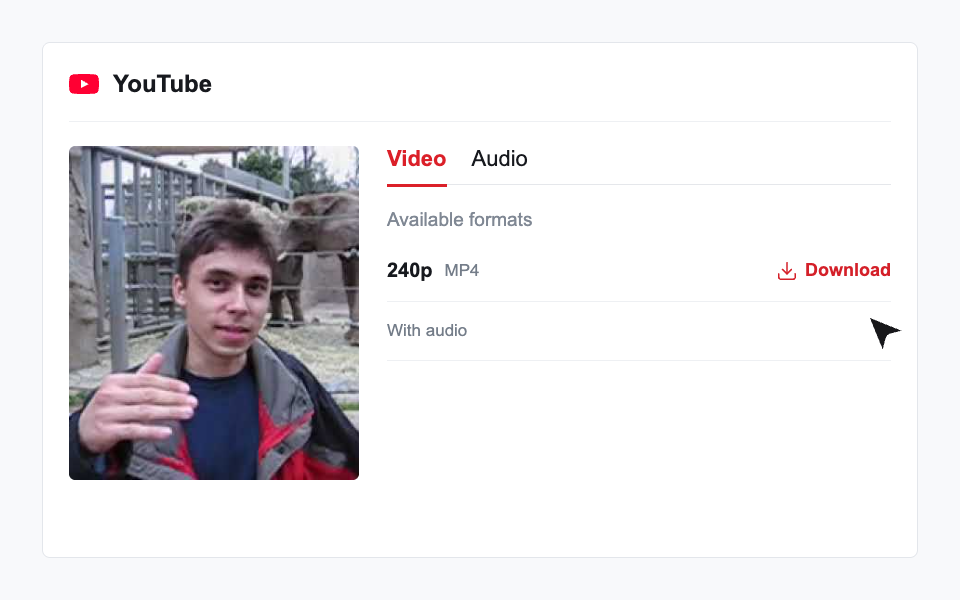
This audio page selects sound tracks from the returned source files. When an MP3 version is available, it appears before other formats. Many YouTube results instead supply M4A or WebM audio. Those entries keep their real format labels so you can decide whether your device or editor supports them. The site does not perform automatic MP3 conversion or guarantee an MP3 for every link.
Changing .m4a or .webm to .mp3 does not convert the audio inside a file and may prevent a player from opening it correctly. If your workflow requires MP3, download an available track and use a suitable conversion application. Conversion settings determine the resulting bitrate and quality; a larger bitrate cannot restore detail missing from the original recording.
Choose a track for listening or editing
Inspect the actual file extension and any supplied size information. Preview playback depends on browser support for the returned format. A browser that cannot preview a particular track may still download it for a compatible player. Keep the original file when testing a conversion so you can compare results without repeatedly extracting the video.
No available audio or an expired link
Some extraction results do not include an independent sound track. This page reports that condition instead of switching to a video download. Check that the original video is publicly available and retry later if the problem seems temporary.
Download 4K download tickets are valid for 45 minutes. The upstream media URL may expire sooner. Paste the original YouTube link again to request fresh results; a public post can still become unavailable or be removed.