
MP4 is a container, not a quality setting
A YouTube to MP4 download can have different resolutions and codecs. MP4 identifies the container around the video, while labels such as 720p or 1080p describe the picture dimensions. This page shows actual returned MP4 options and does not rename WebM files or transcode unavailable formats. If the source returns no MP4, use the general video page to inspect other available containers.
Common MP4 combinations are supported by many devices, but codec compatibility still matters. Try a short file in the intended player before choosing a large recording for a presentation or mobile workflow. A larger file is not automatically clearer if the original recording was low quality.
Complete MP4 and separate streams
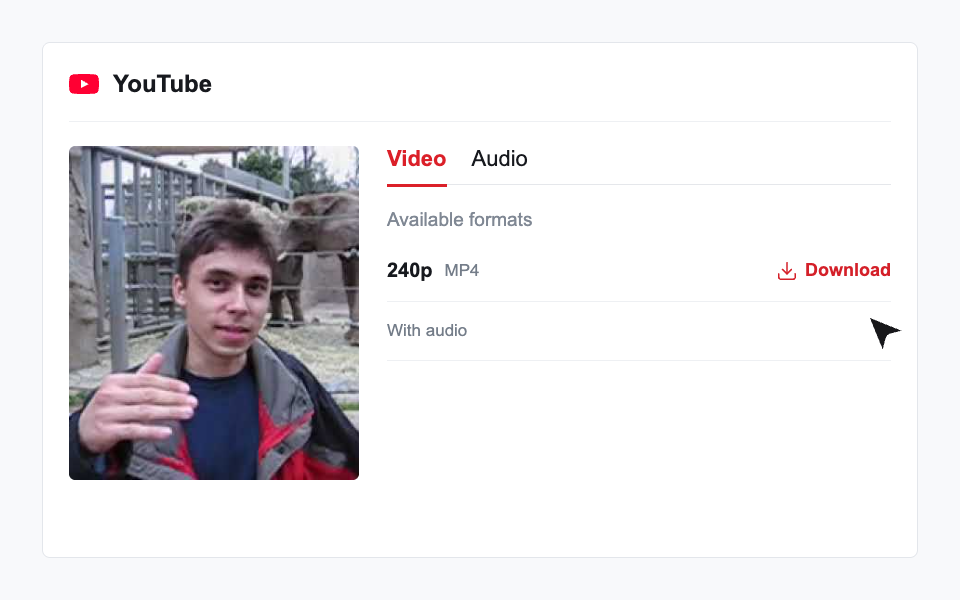
An MP4 extension does not mean sound is included. Select an entry marked With audio for an available complete file. Separate audio entries require saving the video and its sound track and then merging them using a media tool. Download 4K does not merge or convert those files automatically.
Save and refresh an MP4 download
Check your browser download list on desktop or mobile after choosing a file. A browser may open a preview first; use its save controls to store the media. Make sure the device has enough free storage and keep the original post URL for future extraction.
Download 4K download tickets are valid for 45 minutes. The upstream media URL may expire sooner. Paste the original YouTube link again to request fresh results; a public post can still become unavailable or be removed.